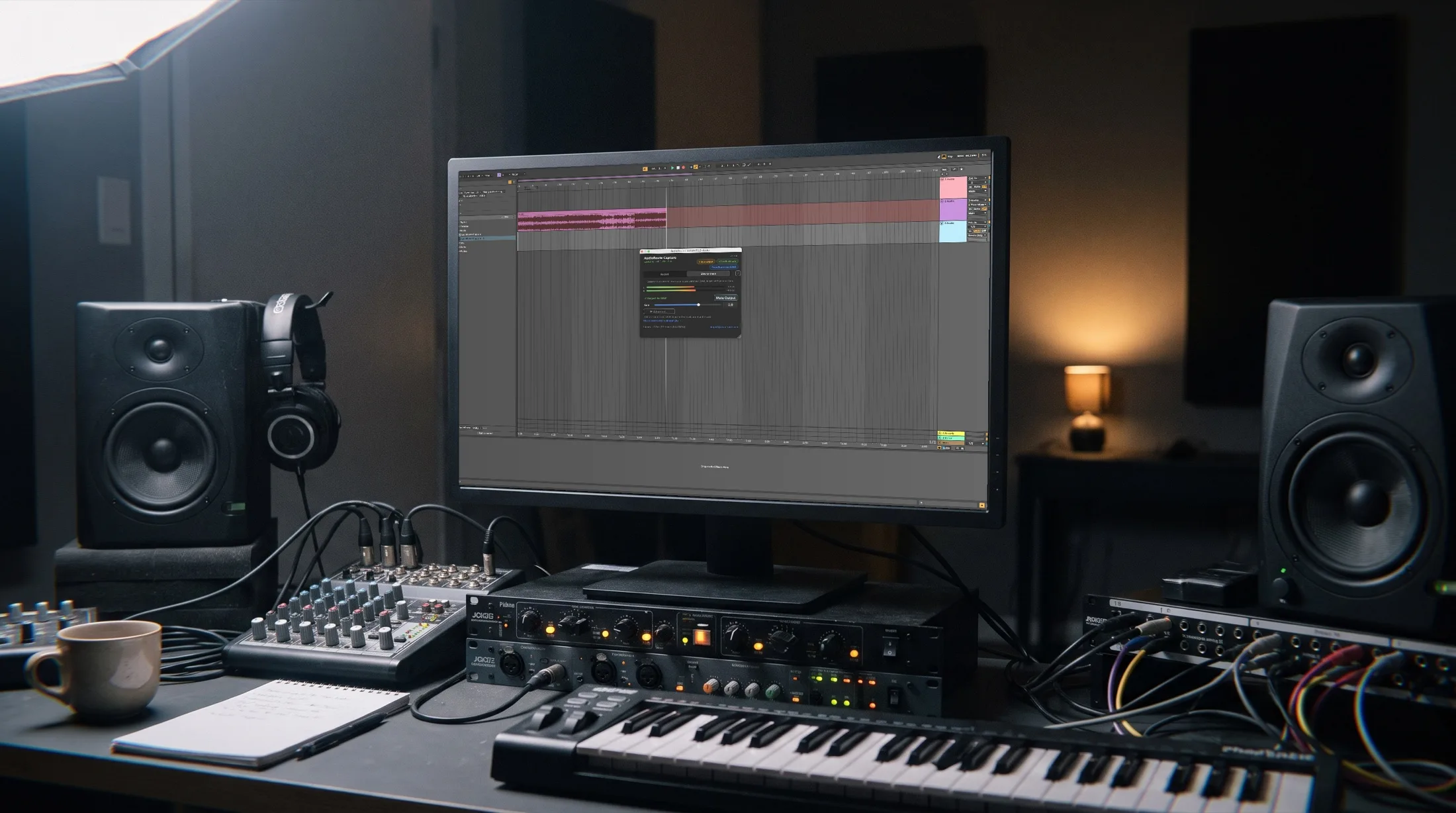
Three recording paths from one install — a VST plugin for your DAW, a virtual input device for any app, or one-click capture from the menu bar. No aggregate devices, no Audio MIDI Setup, no output to swap. macOS and Windows.
Works with
One minute demo: drop the plugin, record, done.
Really clean and logical design and a workflow I liked instantly. The best solution for me.
Peter Lemberg · Logic Pro user
Three ways to capture
One install, three recording paths. Pick whichever fits your tool.
Drop the AudioRoute Capture VST3/AU plugin onto a track in Ableton, Logic, FL Studio, or Reaper. System audio flows in, ready to record.
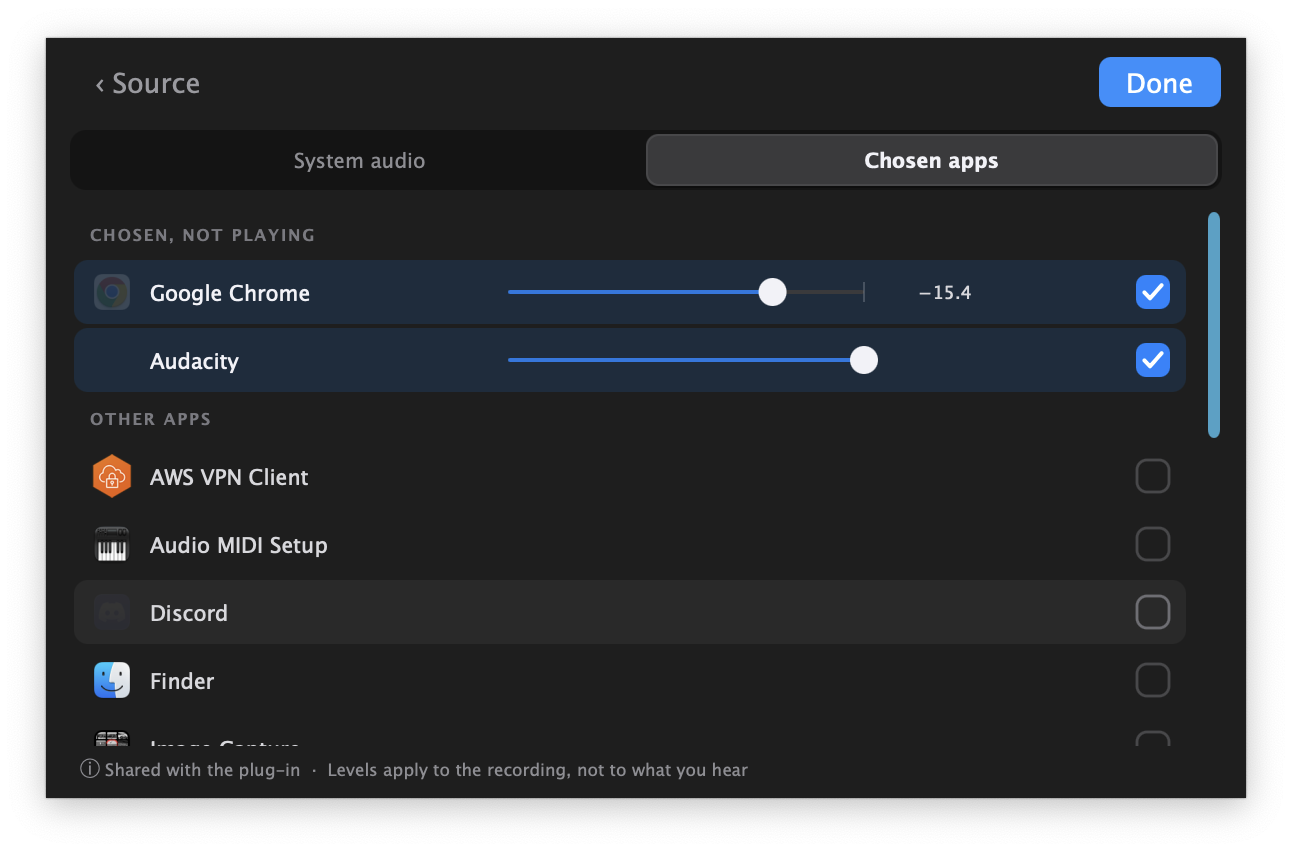
Select AudioRoute Input as the recording device in Audacity, OBS, Zoom, QuickTime — anything that sees an audio input.
One click in the menu bar app. Captures to a clean WAV file at your chosen sample rate and bit depth. No DAW needed.
In your DAW
AudioRoute installs a native VST3 (and Audio Unit on Mac) plugin called AudioRoute Capture. Drop it onto an audio track and your DAW sees the entire system audio output as input — perfect for sampling, podcasts, lessons, or capturing reference tracks.
DAW-specific walkthrough: How to record system audio in Logic Pro →
Anywhere on your system
AudioRoute Input registers as a system-wide audio input. Any app that can record from a microphone can record system audio: Audacity, OBS, Zoom, Discord, QuickTime, GarageBand, Voice Memos.
macOS today. Windows is pending Microsoft's driver attestation review — it'll ship as a free update.
What this unlocks
Because AudioRoute doesn't touch your Mac's input or output routing, your audio interface and mic stay available as normal DAW inputs. Arm one track with the AudioRoute plugin (system audio), arm another with your mic — hit record once, get two clean tracks you can edit independently.
Nothing to configure
No Audio MIDI Setup, no aggregate device to assemble, no output to swap. The installer drops in the plugin, the virtual input device, and the capture daemon. There's nothing to wire up afterward — your speakers, your audio interface, and your existing DAW settings stay exactly as they were.
.pkg on macOS, signed .exe on Windows), one admin password
Built for daily use
Lives quietly in your menu bar. Status, levels, and one-click recording — always one click away.
Optional always-on-top recording indicator with a stop button. Stays out of the way.
Sparkle-powered background updates. New features land automatically — for life.
Choose sample rate (auto, 44.1k, 48k, 96k, 192k) and bit depth (16, 24, 32-bit float).
Built-in feedback protection prevents the howl when you accidentally route audio back into itself.
Native Apple Silicon. Zero CPU at idle. Doesn't fight Core Audio.
I love it — really easy to use. The feature to snag samples and have them drop into a custom folder is a winner.
Cliff · Ableton user
Offline operation is highly appreciated.
Yan
I've previously captured system audio using Windows audio drivers in Reaper but it was a hassle. The workflow for AudioRoute is straightforward and quick to set up.
Shaun · Reaper user · Gearspace
Much easier than setting up BlackHole for quickly getting system audio into the DAW.
Geoffrey Woytt · Ableton user
Questions
Everything. Full access to the menu bar app, the VST3/AU plugin, the virtual audio device, and all formats. After 14 days you'll need a license to keep recording.
Both macOS and Windows. macOS 14.5+ (Apple Silicon & Intel) and Windows 10+ (64-bit). The VST3 plugin and the menu-bar / tray app ship on both today. The AudioRoute Input virtual audio device ships on macOS today; the Windows version is pending Microsoft's driver attestation review and will arrive as a free update.
Load AudioRoute Capture as the instrument on a Software Instrument track (it lives under AU Generators → AudioRoute), then route the track's output to a Bus and record from a matching Audio track. The full step-by-step is in our Logic Pro guide — six steps with screenshots, plus how to avoid feedback during monitoring.
Yes — your license is tied to your account, not to a single machine. Use it on any Mac or PC you own, mix and match.
Three differences. (1) One install: AudioRoute gives you both a virtual device and a DAW plugin — most tools give you one or the other. (2) One-time price: pay once, lifetime updates — no subscription. (3) No aggregate device: AudioRoute doesn't reroute your Mac's output, so your normal monitoring keeps working — no Audio MIDI Setup ritual every time you change setups. For a longer side-by-side, see AudioRoute vs BlackHole.
14-day money-back guarantee, no questions asked. Email [email protected].
No. AudioRoute is one-time payment, lifetime updates, no renewal.
Download, install, capture. No credit card. No tricks.
Download free trial
Questions or feedback? We'd love to hear from you:
[email protected]